Can't create a licence in DSS in local install Free Edition because of CORS issue on Dataiku API

Hi,
When installing DSS locally, attempting to register for the Free Edition from a localhost instance consistently fails due to a CORS error.
Specifically, during the signup flow, the frontend attempts to call the endpointhttps://my.dataiku.com/saas/api/community/register-v5, which routes to my.dataiku.com and is blocked by the browser due to CORS when invoked from localhost.
As a result, it is currently impossible to complete the registration process for the Free Edition when running DSS locally, which prevents evaluating the product in a standard local setup.
I’ve noticed several existing tickets that suggest proxy, network, or local environment issues, but this is definitely a backend CORS configuration problem rather than a client-side or network misconfiguration. I also previously installed and used DSS locally a few years ago, and this flow worked at that time.
Could you please confirm:
- whether this is a known issue,
- if there is an official workaround for local installations,
- and whether a fix is planned?
Trying DSS locally is a key step in evaluating whether it fits our needs, so any clarification would be appreciated.
Thanks in advance.
Dataiku version used: Latest
Answers
-
 Turribeach Dataiku DSS Core Designer, Neuron, Dataiku DSS Adv Designer, Registered, Neuron 2023, Circle Member Posts: 2,677 Neuron
Is this on Windows or MacOS? What browser did you use?
-
Even using curl in command line, the endpoint returns a 403 forbidden error, so the CORS issue might just be a side effect of the 403 api response.
-
Turribeach Dataiku DSS Core Designer, Neuron, Dataiku DSS Adv Designer, Registered, Neuron 2023, Circle Member Posts: 2,677 Neuron
Is this on Windows or MacOS? What browser did you use? Some regions are blocked from accessing the endpoint, where are you located on?
-
@rphltdl I tried a fresh install on my machine: macOS 15.7.3 with Chrome 144.0.7559.110, and I was able to register a free edition license.
Could you tell us more about your environment, please?
-
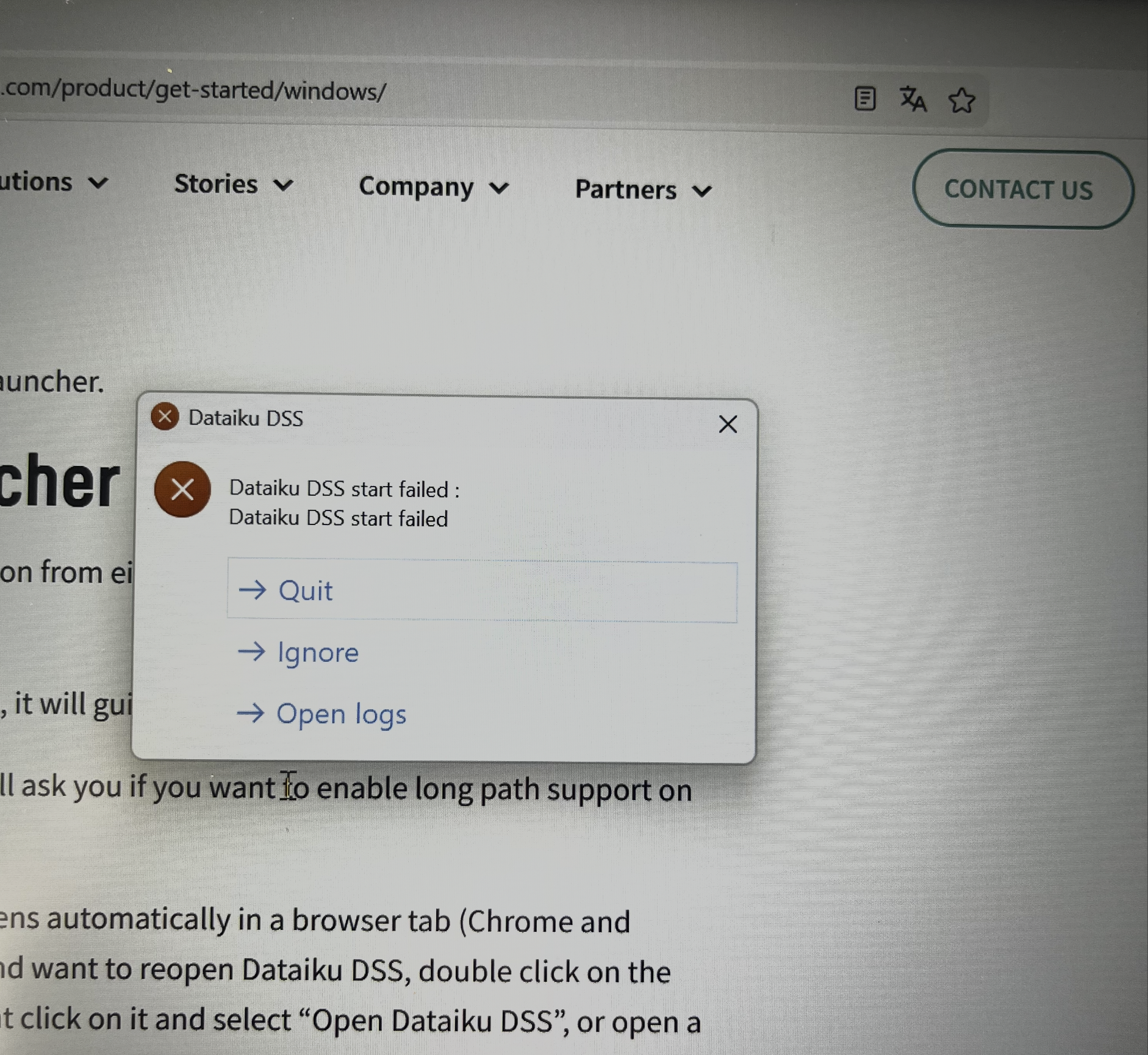
both from Paris, macOS and also on Windows. Safari for macOS and Chrome for Windows. I get 403 "! Failed to load resource: Origin http://localhost:11200 is not allowed by Access-Control-Allow-Origin. Status code: 403 "
Above on windows
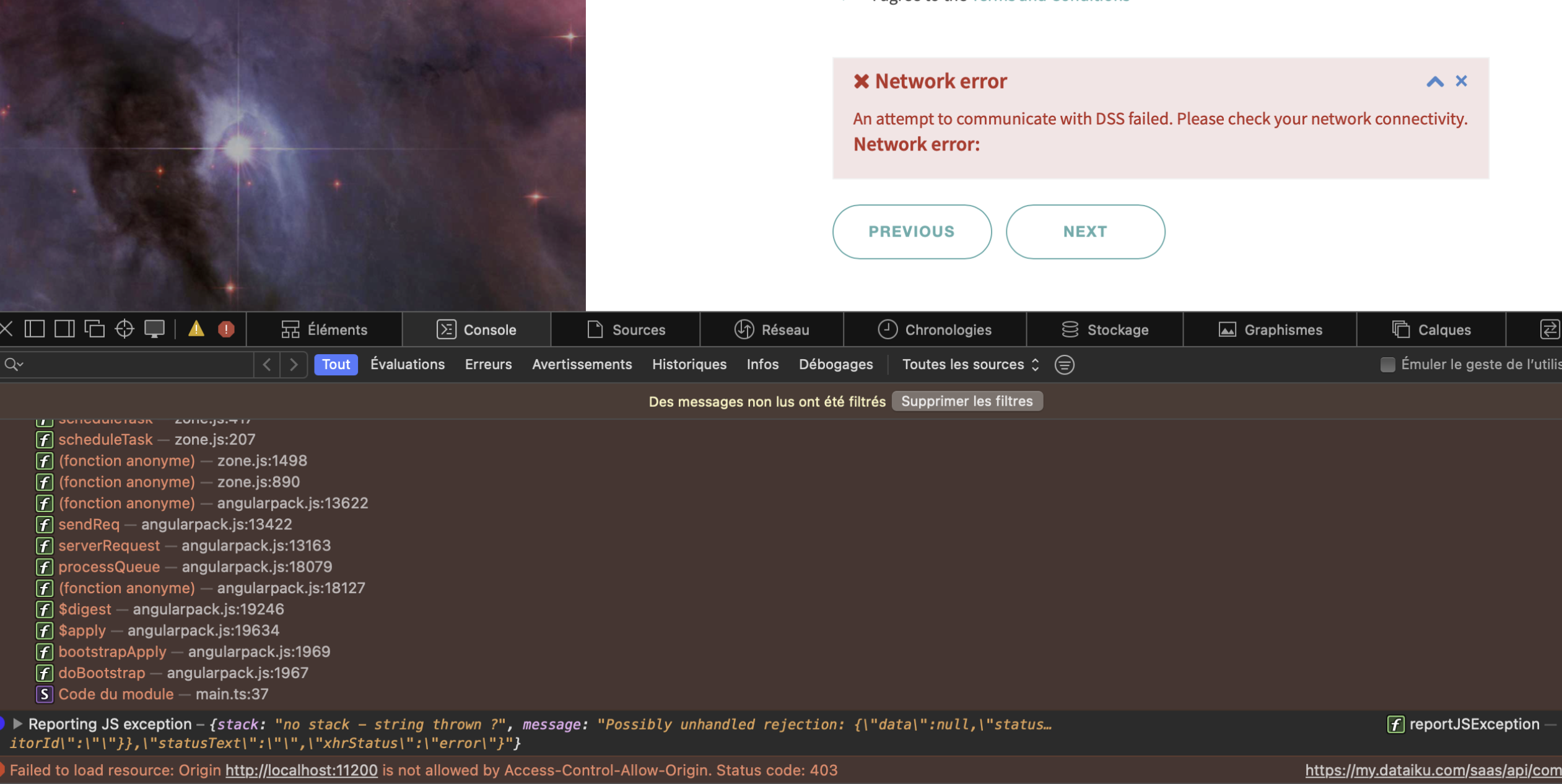
thanks for the quick reply. This is btw with no VPN, no ad blocker, and no iCloud Private Relay thing.
Both different internet IPs btw. Pretty sure its just 403 and CORS is like a bad interpretation from the browser

