How Can I Make the Highlights Menu Appear in Dataiku DSS 14?

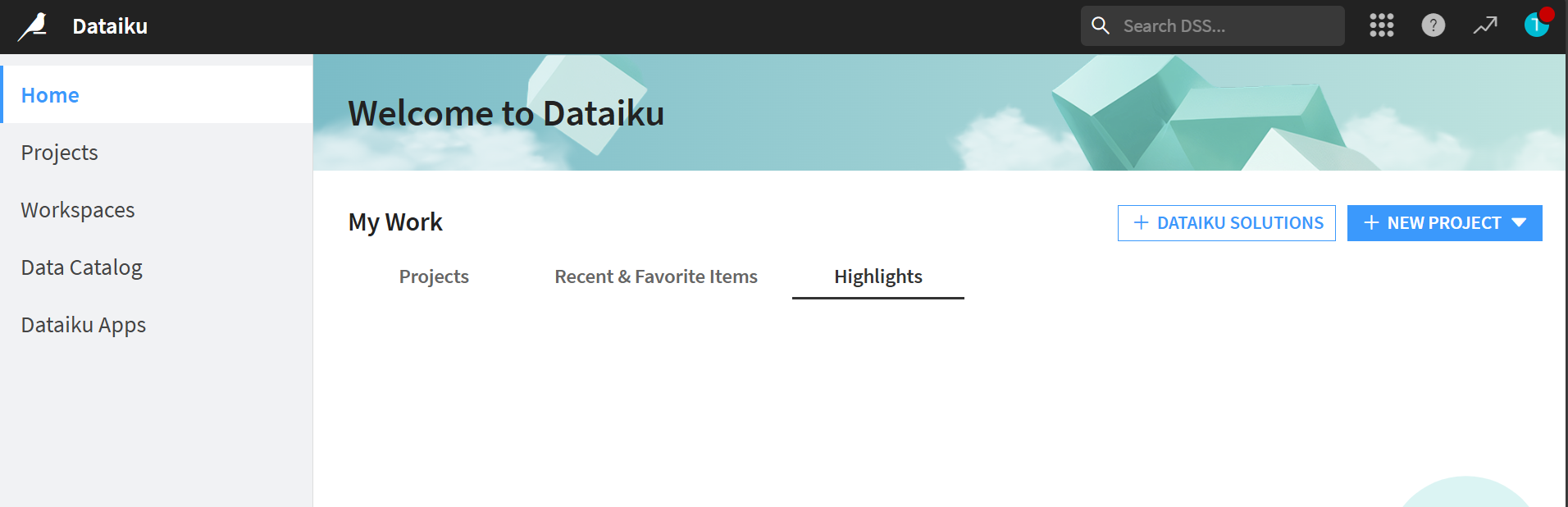
Dataiku version 14 has a menu called Highlights.
I would like to know what actions I need to take to display Highlights.

Operating system used: Linux
Best Answers
-
 Alexandru Dataiker, Dataiku DSS Core Designer, Dataiku DSS ML Practitioner, Dataiku DSS Adv Designer, Registered Posts: 1,399 Dataiker
Hi,
The Highlights are displayed on the right side when not zoomed in
e.g 100% zoom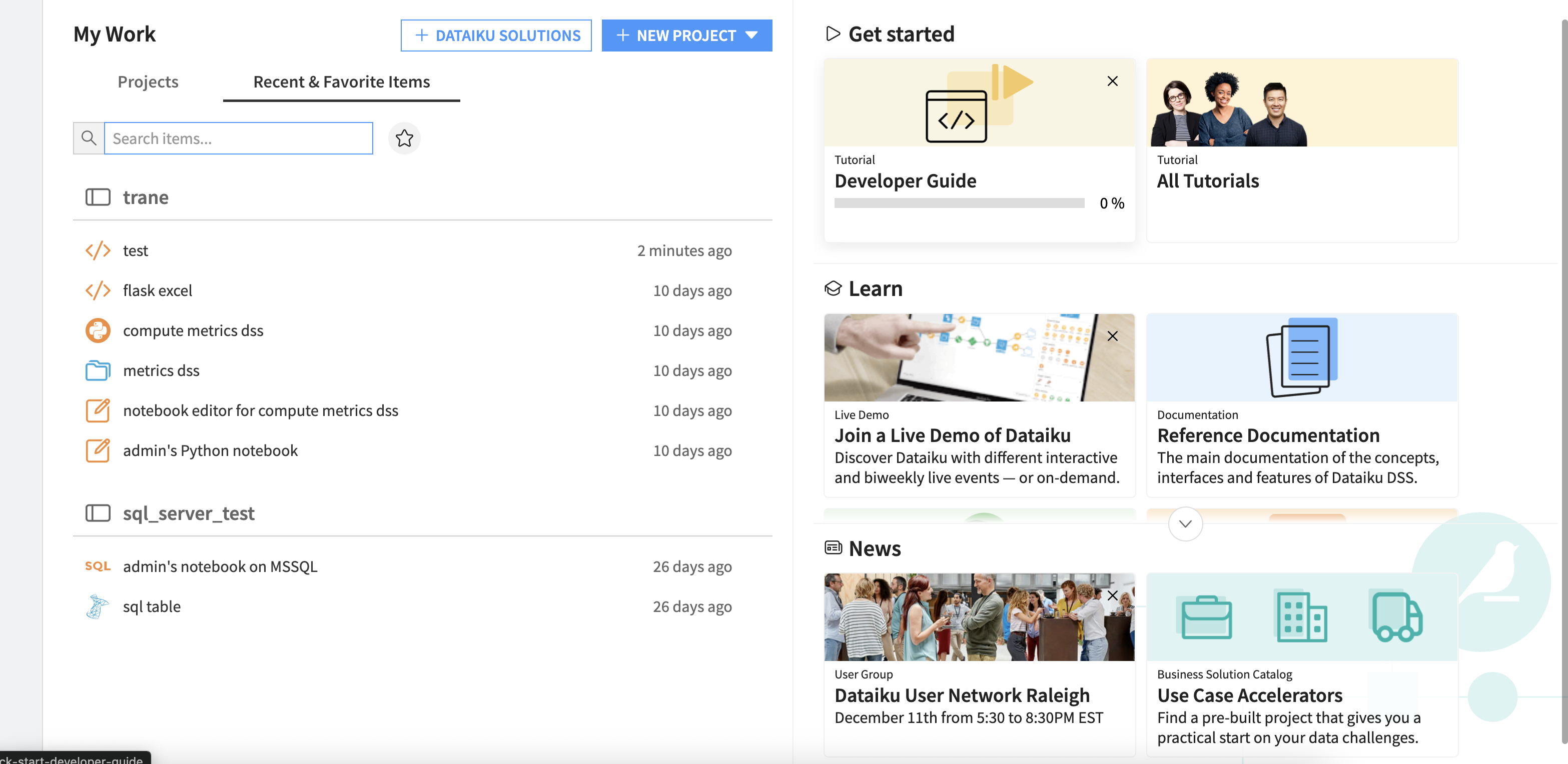
150% zoom, or when I have the console open it shows as a seperate "Highlight" otherwise it's just displayed by default on the right
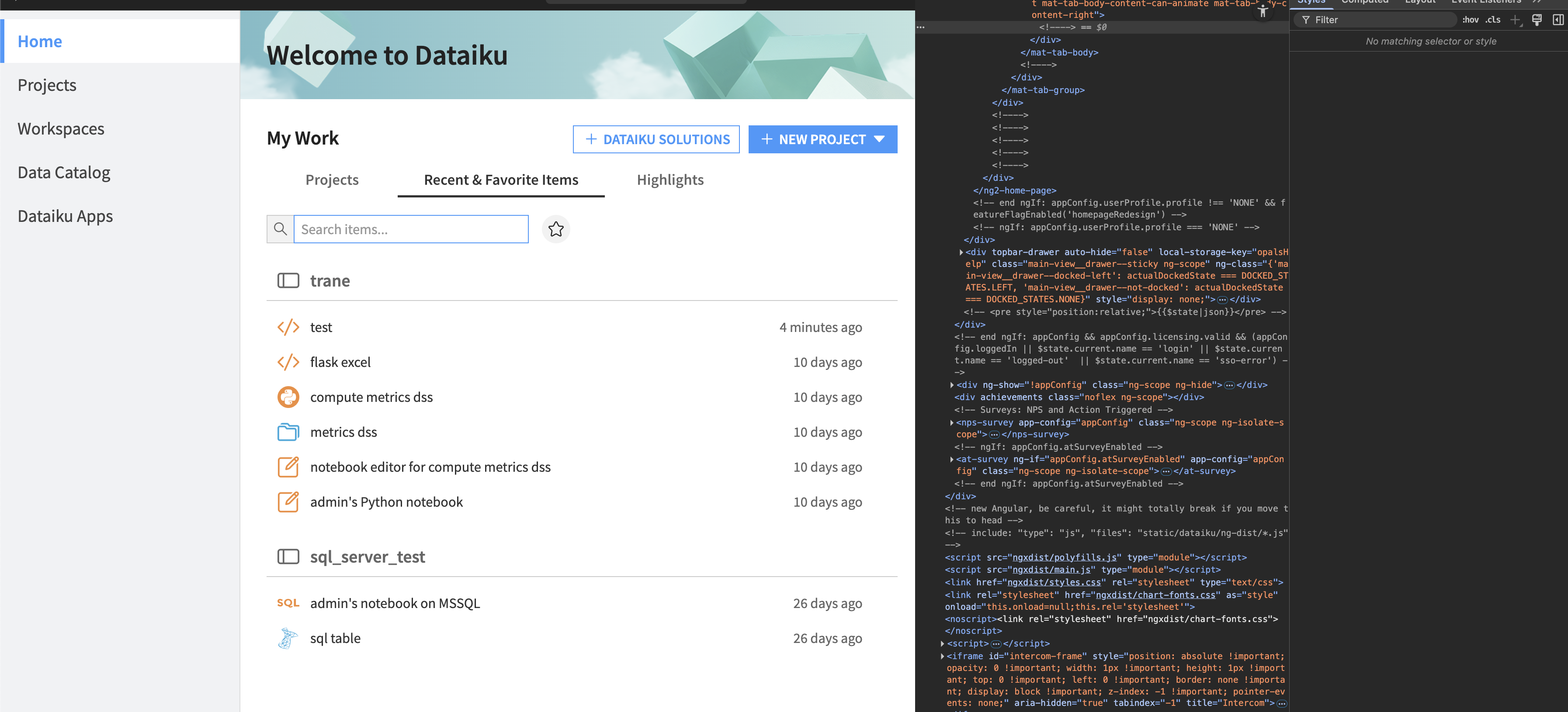
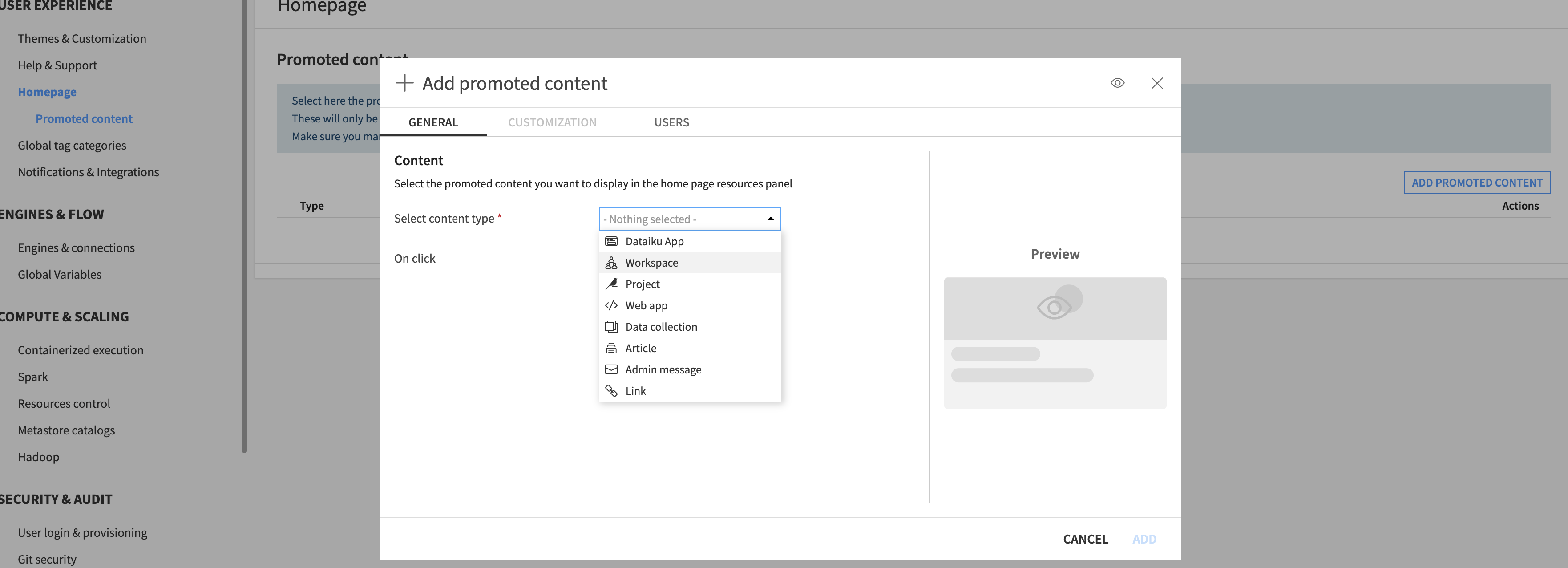
To populate content under "highlights" , the admin can enable "Help center and recommended content" this is the default content as seen above.

You can also add custom promoted content , which will be displayed the highlights section
-
 Turribeach Dataiku DSS Core Designer, Neuron, Dataiku DSS Adv Designer, Registered, Neuron 2023, Circle Member Posts: 2,722 Neuron
This is very clunky. The zoom causes the promoted content to be redrawn under Highlights. But it's not just based on zoom levels but screen resolution and your browser's screen size. It really shouldn't be called "Hightlights" since it seems to only contain promoted content. While pages that use adaptive design are welcome having a section of the page be removed and renamed completely seems a bit far fetched in my mind.


Answers
-
Turribeach Dataiku DSS Core Designer, Neuron, Dataiku DSS Adv Designer, Registered, Neuron 2023, Circle Member Posts: 2,722 Neuron
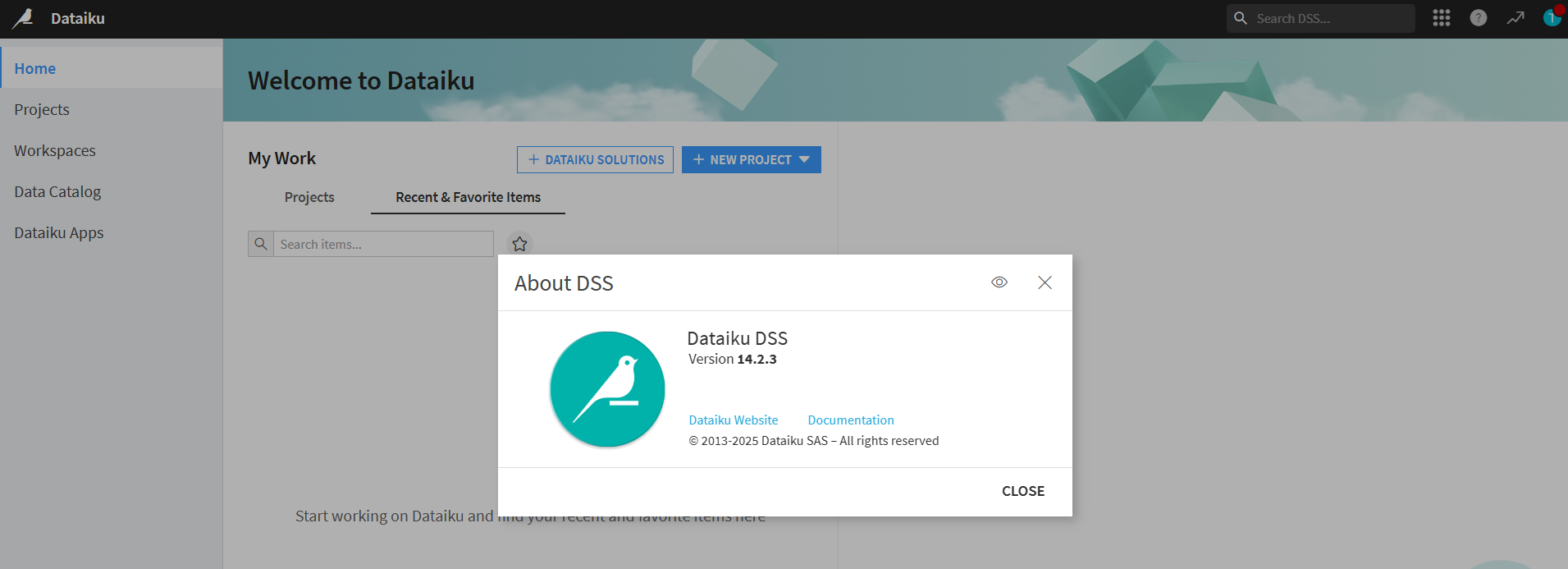
What Dataiku version are you on? I don't see it on mine but I am on the latest version (14.2.3).
-
KYOUNGJIN Dataiku DSS Core Designer, Dataiku DSS ML Practitioner, Dataiku DSS Adv Designer, Registered Posts: 13 ✭✭✭
We are using version 14.2.3 on-premises.
-
KYOUNGJIN Dataiku DSS Core Designer, Dataiku DSS ML Practitioner, Dataiku DSS Adv Designer, Registered Posts: 13 ✭✭✭
Now that I’ve checked again, the menu appears depending on the screen zoom level. I’m also attaching a reference image.
It appears when the screen is zoomed to 150% or higher in both Chrome and Edge.